

Are you wondering if your gaming setup really needs a special HDMI cable, or if any regular one will do? It’s a common question among gamers who want the best visuals and smooth gameplay.
You might think all HDMI cables are the same, but the truth is, the cable you choose can affect your gaming experience more than you realize. From resolution and refresh rates to input lag and compatibility with features like HDR and VRR, the right cable can make a noticeable difference.
Keep reading to find out what sets gaming-specific HDMI cables apart from regular ones—and whether it’s worth upgrading your cable to get the most out of your games.
Gaming Impact Of Hdmi Cables
The type of HDMI cable can affect your gaming experience in many ways. Choosing the right cable helps deliver clear visuals and smooth gameplay. Gaming-specific HDMI cables often claim better performance, but how much do they really matter? Understanding their impact on key gaming features can guide your choice.
Resolution And Refresh Rates
HDMI cables carry video signals that determine game resolution. Higher resolutions like 4K need more bandwidth. Gaming-specific cables usually support this better. They also support higher refresh rates, such as 120Hz or 144Hz, for smoother motion. Regular cables may limit these settings, causing lower image quality or lag.
Latency And Responsiveness
Latency is the delay between your action and its display on screen. Low latency is crucial for fast games like shooters or racing. Gaming HDMI cables sometimes claim to reduce latency. However, most HDMI cables have similar latency since the delay mainly comes from the display or console. Still, a good cable ensures stable signal without interruption.
Support For Hdr And Vrr
High Dynamic Range (HDR) improves color and contrast in games. Variable Refresh Rate (VRR) prevents screen tearing by syncing the display to the console. Gaming HDMI cables often support these features fully. Older or cheaper cables may lack support, causing flicker or washed-out colors. Using a cable that supports HDR and VRR enhances visual quality and gameplay fluidity.
Credit: www.benq.com
Cable Types And Certifications
Choosing the right HDMI cable matters for both regular use and gaming. Different cable types and certifications affect performance. Understanding these differences helps select the best cable for your setup.
High Speed Vs Ultra High Speed
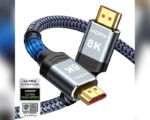
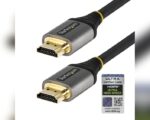
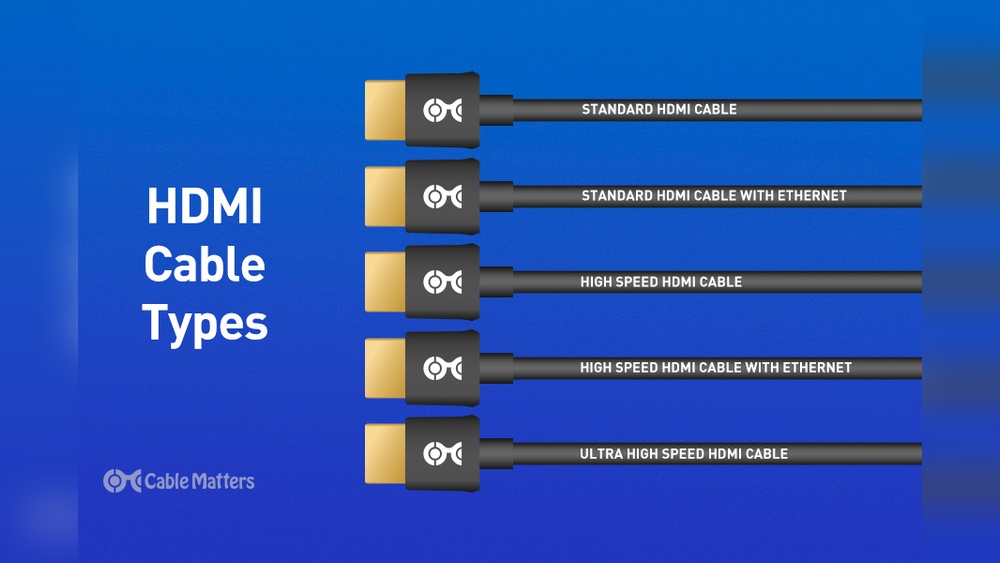
High Speed HDMI cables support resolutions up to 4K at 60Hz. They are suitable for most TVs and monitors. Ultra High Speed cables handle higher data rates, supporting 4K at 120Hz and 8K at 60Hz. This makes them ideal for gaming consoles and PCs with advanced graphics. Ultra High Speed cables also support features like HDR and Variable Refresh Rate (VRR).
Certification Importance
Certified HDMI cables guarantee tested performance and reliability. Certification ensures the cable meets HDMI standards for speed and signal quality. Non-certified cables may cause signal loss or compatibility issues. Certified cables provide peace of mind, especially for gaming where stable connections matter. Look for official HDMI certification logos when buying cables.
How Do I Know If My Hdmi Cable Supports High Refresh Rates?
Active Optical Vs Passive Cables
Passive HDMI cables transmit signals using copper wires only. They work well for short distances under 15 feet. Active Optical cables convert the signal to light, allowing longer runs without signal loss. These cables are useful for setups needing cables over 25 feet. Active cables are often more expensive but maintain strong signal quality over distance.
Brand And Quality Effects
Brand and quality play a key role in the performance of HDMI cables. The right cable can affect gaming visuals and reliability. Not all cables are built the same. Choosing a quality brand often means better durability and a stable connection. This section explores how brand and build affect your gaming HDMI cable experience.
Durability And Build Quality
High-quality cables usually last longer. They use thicker insulation and stronger materials. This protects the cable from bending and wear. Cheaper cables may break or lose signal after some use. For gaming, a sturdy cable means fewer interruptions and a steady signal.
Connector Materials
Good cables use gold-plated connectors. Gold resists corrosion and improves signal flow. Lower-quality cables often use cheaper metals. These can corrode over time, causing poor connections. Solid connectors help keep your gaming visuals sharp and stable.
Reputable Brands To Consider
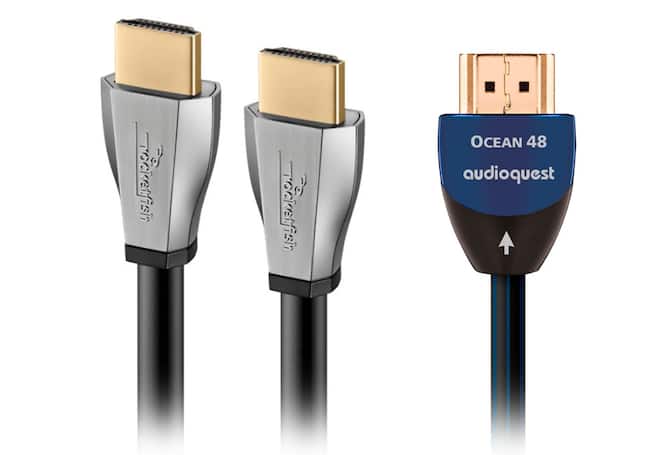
Trusted brands often offer better quality control. Brands like Monoprice, Anker, and Amazon Basics provide good value. They balance price and performance well. Choosing cables from these brands reduces the risk of poor build and signal problems.

Credit: www.gearit.com
When Quality Makes A Difference
Quality matters when choosing an HDMI cable, especially for gaming. A good cable can support better visuals and smoother gameplay. Poor quality cables may cause signal loss or lag. Understanding when quality makes a difference helps you pick the right cable.
Some situations require cables built to higher standards. These cables handle more data and keep the signal strong over longer distances. This ensures your gaming experience stays sharp and responsive.
Long Cable Runs
Long HDMI cables can weaken the signal. Regular cables may lose data over 10 feet. Gaming-specific cables often have better shielding. They keep the signal clear even at 15 feet or more. This reduces flickering and screen dropouts during gameplay.
Are Expensive Hdmi Cables Worth It for Gaming?
High Resolutions And Refresh Rates
Modern games use 4K or even 8K resolutions. They also run at high refresh rates like 120Hz or 144Hz. Basic HDMI cables might not support these speeds well. Gaming cables are designed to handle higher bandwidths. This means sharper images and smoother motion without lag.
Gaming Performance Optimization
Gaming cables often support features like VRR (Variable Refresh Rate) and HDR. These improve picture quality and reduce screen tearing. They also lower input lag, making controls more responsive. Regular cables may lack these features, affecting gameplay quality.
When Price And Brand Matter Less
Price and brand often catch attention when buying HDMI cables. Yet, these factors matter less in many gaming setups. Simple cables can do the job well. Especially when other conditions are right. Understanding these situations helps save money and avoid confusion.
Short Cable Distances
Short HDMI cables usually carry signals without issues. The signal loss is minimal over short lengths. Most gaming setups with cables under 6 feet see no difference. Both regular and gaming-specific cables work fine here. Spending extra for length under 6 feet often offers no benefit.
Digital Signal Reliability
HDMI signals are digital, meaning they are either clear or lost. Good cables transmit data without errors. A clean digital signal doesn’t need fancy cable features. If the cable meets basic standards, the signal stays reliable. Signal quality depends more on cable condition than brand or price.
Basic Certified Cables
Certified cables meet HDMI standards for performance and safety. Basic certifications guarantee minimum performance for gaming needs. These cables support standard resolutions and refresh rates. Choosing certified cables ensures compatibility with most devices. Certified cables offer solid performance without high costs.
How Do I Know If My Hdmi Cable Supports High Refresh Rates?
Common Misconceptions
Many people believe gaming-specific HDMI cables offer huge advantages over regular ones. These ideas come from marketing and myths rather than facts. Understanding common misconceptions helps avoid unnecessary spending. It also clears confusion about cable performance and quality.
Expensive Cables And Image Quality
Price does not always mean better image quality. Both regular and gaming HDMI cables can deliver the same 4K or 8K visuals. The signal they carry is digital, so the picture stays perfect if the cable meets standards. Expensive cables rarely improve how the image looks on your screen.
Brand Vs Performance Myths
Some people think a well-known brand guarantees better performance. Brands can differ in build quality but not in signal delivery. A cheap cable can work just as well as a costly one if it follows HDMI standards. Performance depends more on cable certification than on brand name.
Marketing Vs Real Benefits
Marketing often highlights features that sound impressive but offer little real advantage. Terms like “gaming cable” or “high-speed gaming” may not mean better gameplay. Real benefits come from the cable supporting the right HDMI version and bandwidth. Avoid falling for flashy labels without checking the specs.
Choosing The Right Cable
Choosing the right HDMI cable matters for both casual and serious gamers. The correct cable supports your device’s features and delivers smooth gameplay. Not all HDMI cables are the same, and picking one that fits your setup avoids issues like lag or poor image quality.
Matching Hdmi Version To Needs
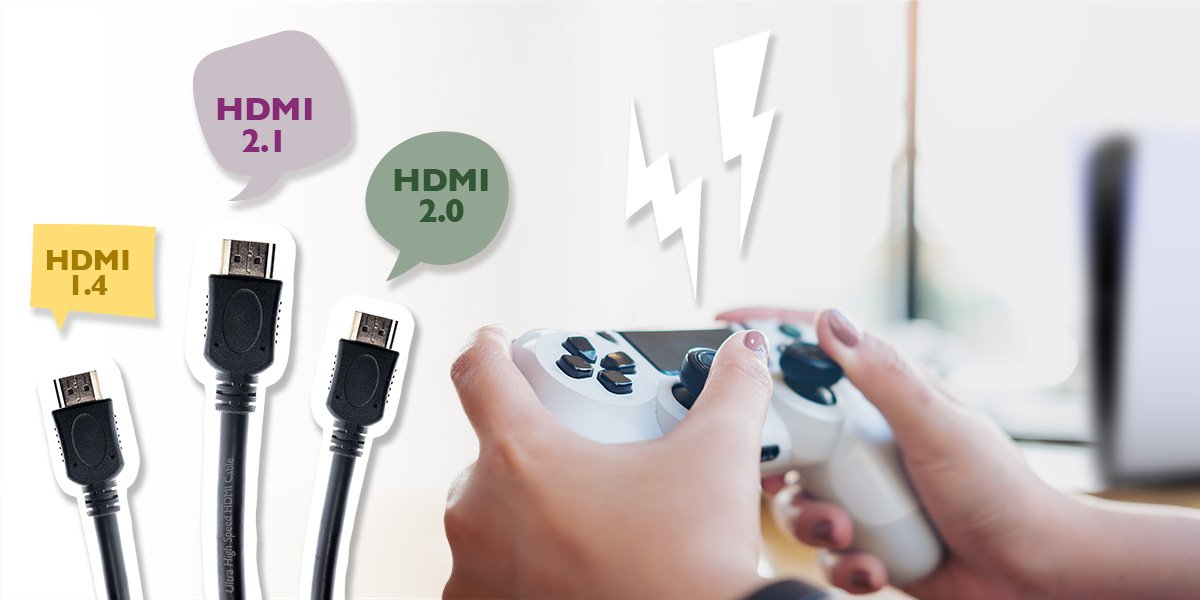
Each HDMI version supports different features and speeds. For example, HDMI 2.1 handles 4K at 120Hz and VRR, ideal for modern gaming. Older versions like HDMI 1.4 may only support 1080p or lower refresh rates. Match the cable version to your console or PC to get the best performance.
Are Expensive Hdmi Cables Worth It for Gaming?
Balancing Price And Certification
Certified cables meet industry standards for speed and reliability. Look for cables with official certification labels, such as “Ultra High Speed” for HDMI 2.1. These cables cost more but offer better quality assurance. Cheaper cables may work but risk compatibility or durability issues.
Avoiding Overpaying For Features
Not all features in high-end gaming cables are necessary. Some expensive cables claim to reduce lag or improve graphics, but the difference is often minimal. Choose a cable that supports your device’s requirements without extra bells and whistles. This approach saves money and avoids confusion.
Credit: www.bestbuy.com
Frequently Asked Questions
Does It Matter What Hdmi Cable I Use For Gaming?
Yes, HDMI cables affect gaming performance by supporting high resolutions, refresh rates, and low latency. Use certified, high-quality cables for smooth gameplay and advanced features like HDR and VRR. Avoid cheap or unverified cables to prevent signal issues and input lag.
Are All Hdmi To Hdmi Cables The Same?
Not all HDMI cables are the same. Quality, certification, and length affect performance, durability, and compatibility with features like 4K and gaming. Choose certified cables for reliable, high-speed signal transmission.
Does It Matter What Brand Hdmi Cable I Use?
Yes, brand and quality affect HDMI cable reliability and performance. Certified, high-quality cables ensure stable signal, durability, and support high resolutions and refresh rates. For long distances or gaming, choose reputable brands with Ultra High Speed certification to avoid lag and signal loss.
Is There A Real Difference In Hdmi Cables?
Yes, HDMI cables differ in quality, affecting resolution, refresh rates, and gaming performance. Certified, high-quality cables ensure reliable signals, especially over long distances. Choose Ultra High Speed certified cables for best results and smooth visuals. Brand and durability also impact cable lifespan and stability.
Conclusion
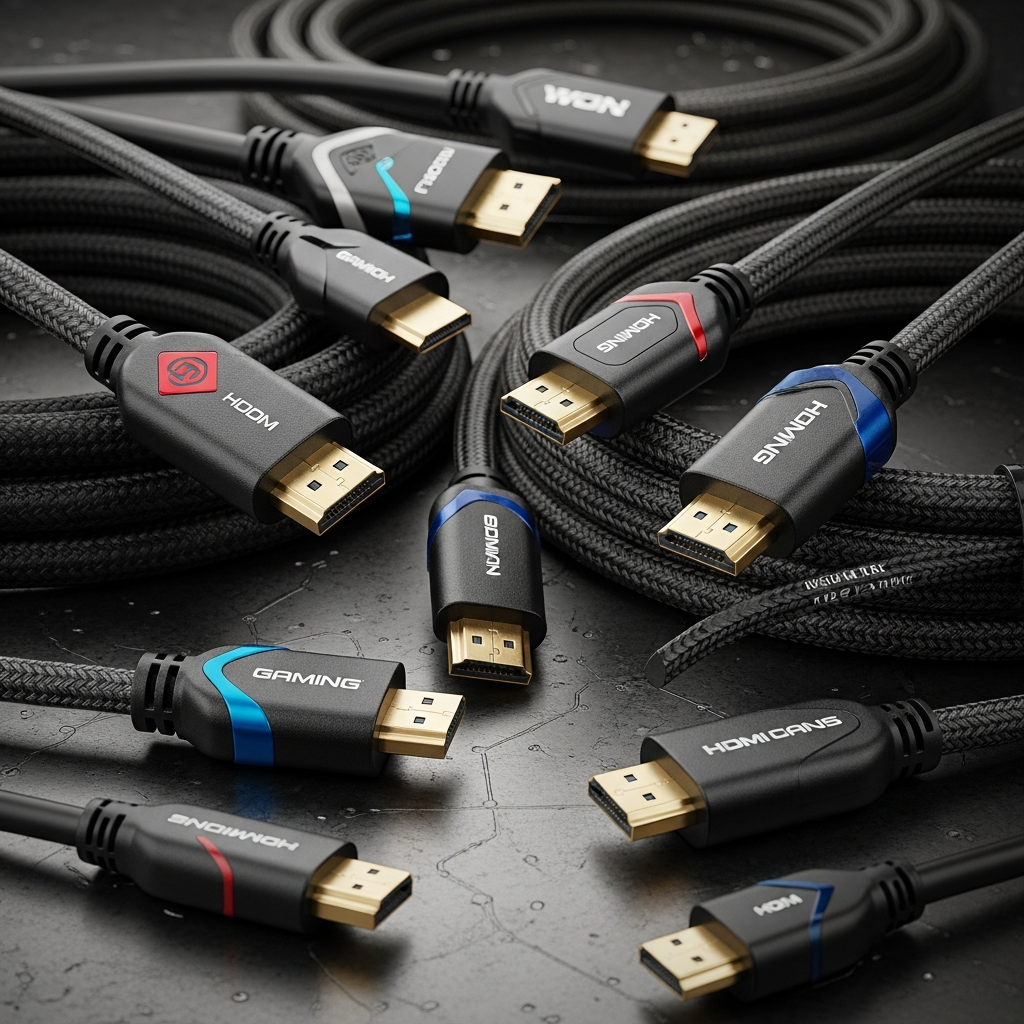
Regular HDMI cables and gaming-specific ones often share the same basic technology. Both can handle high resolution and refresh rates if they meet standards. Gaming cables may offer extra features like better build quality or support for advanced functions. For most gamers, a certified high-speed HDMI cable works well.
Spending extra on “gaming” cables isn’t always necessary. Focus on cable certification and length instead. Choose a reliable cable that fits your setup and budget. That way, you enjoy smooth gameplay without overspending. Simple and smart choices make all the difference.